1. Open a new tab in Chrome, type chrome://flags into the address bar, and press Enter.

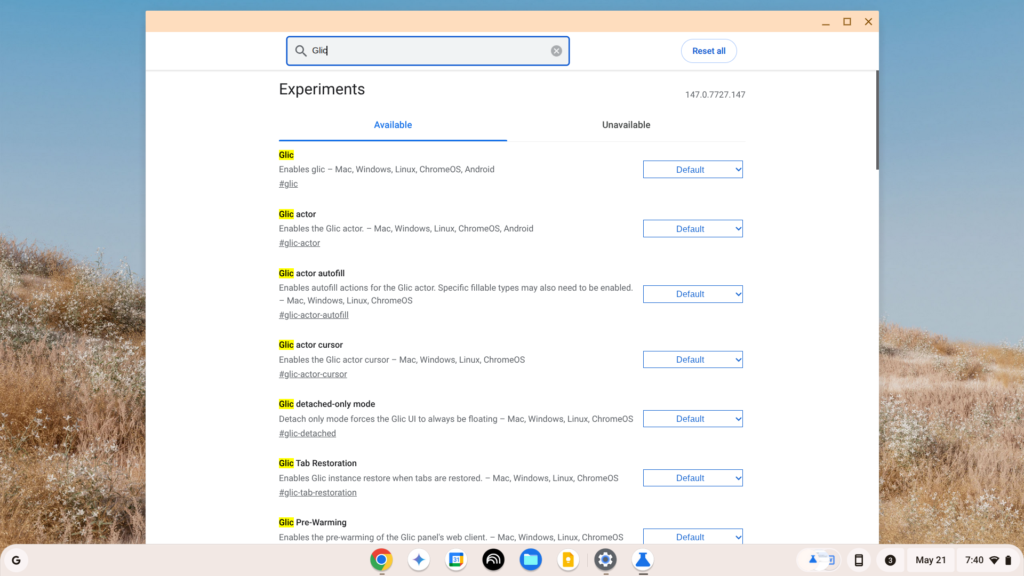
2. In the “Search flags” box at the top, type Glic.
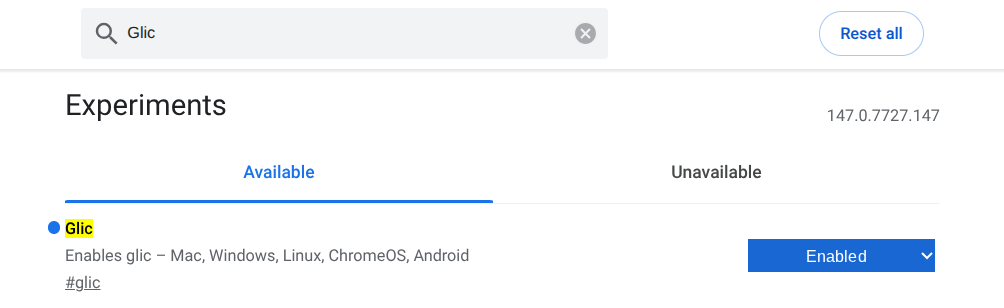
3. You will see a few options appear (like #glic and #glic-side-panel). Change the dropdown menu next to all of them from Default to Enabled.
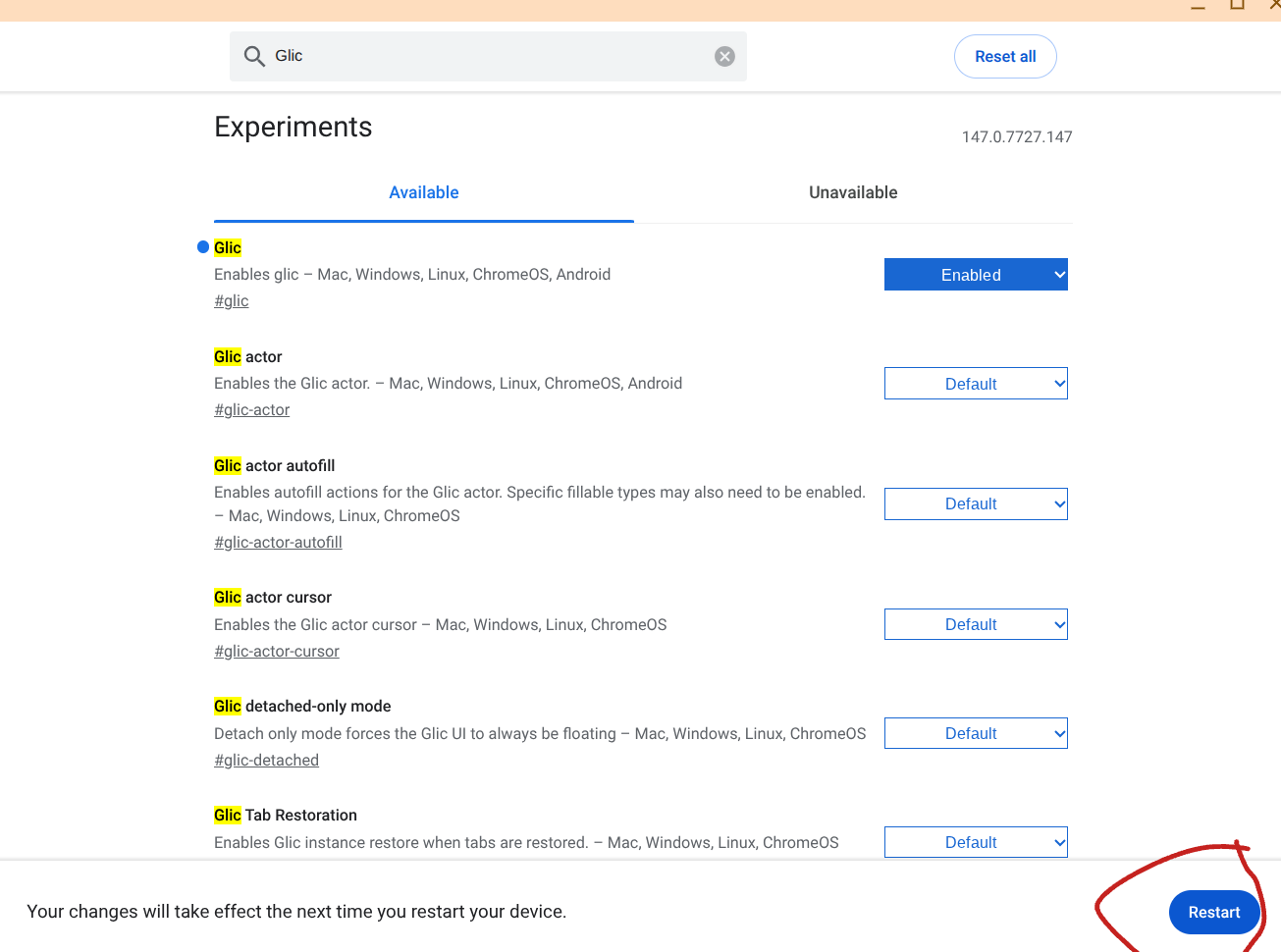
4. Click the blue Relaunch button that appears at the bottom right of your screen to restart Chrome.